

Digital room design: Experience decor visualisation

Dive into the EGGER world with the Virtual Design Studio. Bring your ideas and visions to life flexibly and digitally. Choose from various room situations to showcase your desired decors and combinations.
Functions of the Virtual Design Studio explained
Decor selection & combination
Decor selection & combination
Combine EGGER decors digitally with wall, floor and furniture surfaces and try out different variations right away.
Worktop visualisation
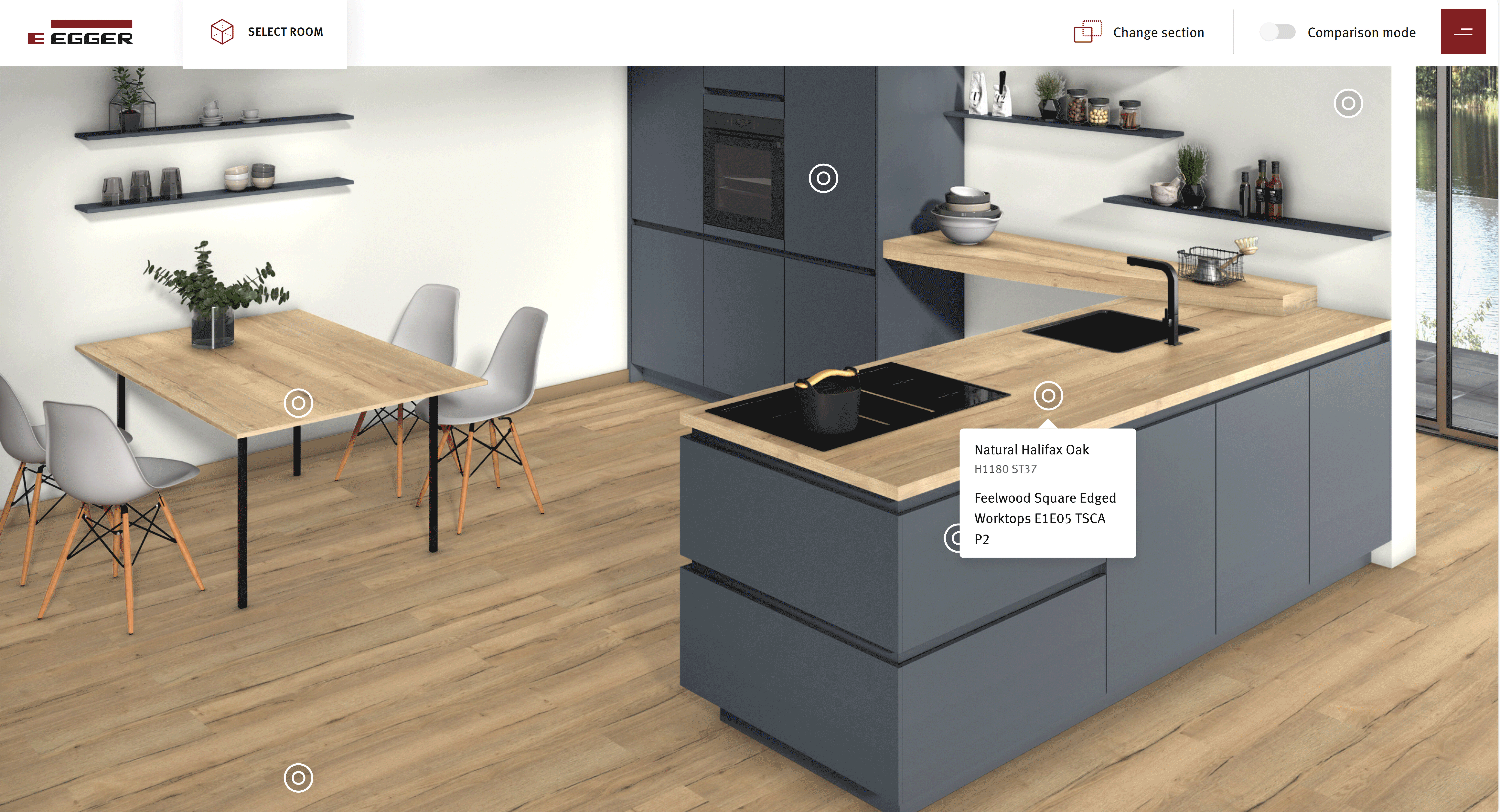
Worktop visualisation
Select specific decors for different worktop types and see how they sit in the room.
Comparison mode
Comparison mode
Compare decors side by side in the same room – for example matt with high-gloss – and make your decision based on this.
Further functions
Further functions
Project ID: Save and return or share later.
Download: Download projects as JPG or PDF.
Decor data for your planning software
Our decor data puts you in an excellent position for customer meetings and project work. In your myEGGER login area, choose between individual decors or complete data packages, specifically prepared for your CAD planning programmes.
To enable even faster planning, our decor data is already directly integrated into the following CAD programmes: ImosCAD, PaletteCAD, Vectorworks, TrunCAD, cadwork, CAD+T, xCAD & DIGI-Software.
